

Google Ads Click Fraud: How to Spot It, Stop It and Recover
Click fraud is when a bot or a person clicks your ad with no interest in buying, and you pay for the click anyway. Google filters a lot of it automatically and credits some of it back. It does not catch everything. The practical job for a small business is to know what Google already handles, find what slips through, report it properly and tighten your campaigns so fraud has less to feed on.
This guide is written for owners and managers who run their own Google Ads or pay someone to. It covers the signs, the reports to check, the claim process and the account settings that matter most.
TL;DR
- Google automatically filters invalid traffic, including bots, accidental clicks and deliberate abuse, so you are not billed for it. Some still gets through.
- The “Invalid clicks” column shows only what Google already filtered. It is not a measure of total fraud.
- Compensation comes as account credits against future spend, not cash back to your card.
- Before blaming fraud, rule out weak targeting, loose match types and a landing page that does not convert.
- Keep records now (dates, keywords, IPs, call logs). A claim without evidence rarely goes anywhere.
Table of Contents
- What click fraud is, and what Google calls it
- How much Google catches, and how much it does not
- Signs your account may be getting bad clicks
- Rule out the look-alikes first
- Build your evidence file
- How to request a credit from Google
- What actually reduces your exposure
- Our perspective
- Where we can help
- FAQ
- Sources
What click fraud is, and what Google calls it
Google rarely uses the phrase “click fraud” in its help pages. It talks about invalid clicks and invalid traffic. Its definition of invalid clicks covers clicks that do not reflect genuine interest in your business, including accidental clicks caused by poor ad placement and automated traffic from bots or other deceptive tools.
In practice, small advertisers run into four patterns:
- Bots and scripts. Automated traffic that loads your ad and your page and leaves in a second or two.
- Competitor clicking. A person, or a person with a tool, clicking your ads to drain your daily budget. It is possible, but it is less common than owners fear, and harder to prove than it looks.
- Click farms and placement abuse. Low-quality sites or apps that earn money when ads are clicked, mostly an issue on display and partner placements rather than classic search results.
- Accidental clicks. Thumbs on small screens, misleading placements, or ads that sit too close to buttons.
The fourth is the one most often confused with fraud. It looks like wasted money, but it is a placement and device problem you can partly fix yourself.
How much Google catches, and how much it does not
Google’s invalid traffic overview says its traffic quality team detects and filters this activity, and most of the filtering happens in real time before you are charged. Other invalid clicks are found later and show up as credits. Google’s page on credits and adjustments lists “invalid activity” as one of the credit types you can see in your billing.
Two limits are worth knowing.
First, Google does not publish its detection methods beyond a description of methodology, because revealing them would help bad actors get around the filters. You cannot audit how it works. You can only audit your own results.
Second, outside estimates of what slips through vary widely, and many of them come from companies that sell fraud-blocking software. One industry analysis says third-party tools often report invalid traffic at 3 to 10 times the rate of Google’s own metrics. Treat that as a reason to look at your own data, not as a number to plan around. The tools measure differently and have a commercial interest in finding more.
For scale at the industry level, the Trustworthy Accountability Group estimated that anti-fraud programs cut potential US ad fraud losses by 92% in 2023, to about $979 million from a theoretical $11.78 billion. That figure covers display and video advertising, not search ads specifically, so it says the problem is real and mostly contained, not what your account will see.
Signs your account may be getting bad clicks
No single metric proves fraud. Look for several of these together, and look at them by campaign, keyword, device and day.
- Click spikes with no matching lift in calls, forms or sales. Especially on one keyword or one ad group.
- Near-zero time on site from a specific location, network or device type.
- Clicks from places you do not serve. A Scottsdale plumber getting a surge of clicks from another continent is a location-targeting question first and a fraud question second.
- Budget exhausted early on days when nothing changed in your bids or ads.
- Repeated visits from the same IP range in your server logs or analytics.
- Phone calls that are silent, instant hang-ups or sales pitches. This is where call tracking earns its keep, because a recording and a caller number are stronger evidence than a click count.
A common misreading: the Invalid clicks column
You can add an “Invalid clicks” column to your campaign table. Many owners see a small number and conclude fraud is minor, or a large one and conclude fraud is rampant. Both are wrong. That column shows only traffic Google has already filtered out, so it tells you the protections are working, not what got past them.
Google also has an Invalid Activity Credit Report that explains credits applied to your account. Check it before filing anything, so you do not claim for clicks already credited.
Rule out the look-alikes first
Most wasted spend we see in small accounts is not fraud. It is real people who were never going to buy. Before you open a claim, check these.
| What you see | Likely cause | What to check |
|---|---|---|
| Lots of clicks, few leads | Broad or irrelevant search terms | Search terms report, negative keywords |
| Clicks from the wrong area | Location setting includes people “interested in” the area | Location options in campaign settings |
| High bounce rate | Slow or mismatched landing page | Page speed, message match, landing page structure |
| Cost per click rising | Competition or low relevance | Quality Score factors |
| Mobile clicks, no conversions | Accidental taps, tiny buttons, no click-to-call | Device report, mobile page layout |
| Budget gone by noon | Bids too high for the daily cap, or ad schedule too wide | Bid strategy, schedule, budget sizing |
If you fix these and the pattern persists on a narrow slice of traffic, fraud becomes a more plausible explanation.
Build your evidence file
Start collecting before you suspect anything big. Google decides on what you show it.
- Export click and cost data by day, campaign, keyword and device for the period in question.
- Pull analytics sessions for the same days: source, location, engagement time, conversions.
- Capture IP addresses from your server logs or a tracking tool if you can. Note repeated addresses and timestamps.
- Save call logs and recordings for junk calls from ad-driven numbers.
- Write a short timeline: when the pattern started, what you changed, what you saw.
Keep this plain. A one-page summary with a spreadsheet beats a long essay.
How to request a credit from Google
Google’s published policy is that invalid clicks are handled through credits, and its billing documentation shows them as invalid activity credits on your account. Per one walkthrough of the process, these do not go back to your card as cash. They appear in your Billing Summary and are deducted from future ad spend. The exception that guide describes is a fully closed account, where you can ask for a direct refund.
To make a request:
- Check the Invalid Activity Credit Report and your billing transactions so you only claim what has not already been credited.
- Open Google Ads support and choose the traffic quality route for invalid clicks, not the generic cost increase route. The same walkthrough reports that “Cost increase” tends to send you to an automated response, while the invalid clicks and refunds option is the one that reaches a human reviewer. Menu wording changes, so follow what Google’s current form shows.
- Submit your customer ID, the exact date range, the affected campaigns and keywords, and a summary of your evidence.
- File soon after you see the problem. Google limits how far back you can claim, so check the current window on its form instead of waiting.
- Expect a review of weeks, not days, and no guarantee. Google can decline, and it will not explain its detection logic.
If the answer is no, keep the evidence. It still helps you decide what to block and whether your setup is the problem.
What actually reduces your exposure
You cannot stop all fraud. You can make your account a poorer target and limit the damage.
Tighten who can see your ads
- Set location targeting to people in your service area, not people showing interest in it, unless you have a reason.
- Exclude countries and regions you do not serve.
- Use ad schedules that match when you can answer the phone or form.
- Review devices and lower bids on any that never convert.
Control which searches trigger ads
- Review the search terms report weekly and add negative keywords.
- Be deliberate with match types. Broad match can be useful with the right guardrails, as we explain in our piece on when broad match beats phrase match, but it needs close watching.
- On display and partner placements, review the placement report and exclude sites and apps that deliver clicks with no outcomes. If you only want search results, turn off the display expansion option on search campaigns.
Measure what matters
- Track conversions that reflect real business: qualified calls, completed forms, booked jobs.
- Use call tracking so you can listen to the calls your ads produce.
- Compare ad-driven leads against actual sales in your CRM or even a spreadsheet. Fraud hides in click counts, and it is exposed in sales counts.
Block repeat offenders, with realism
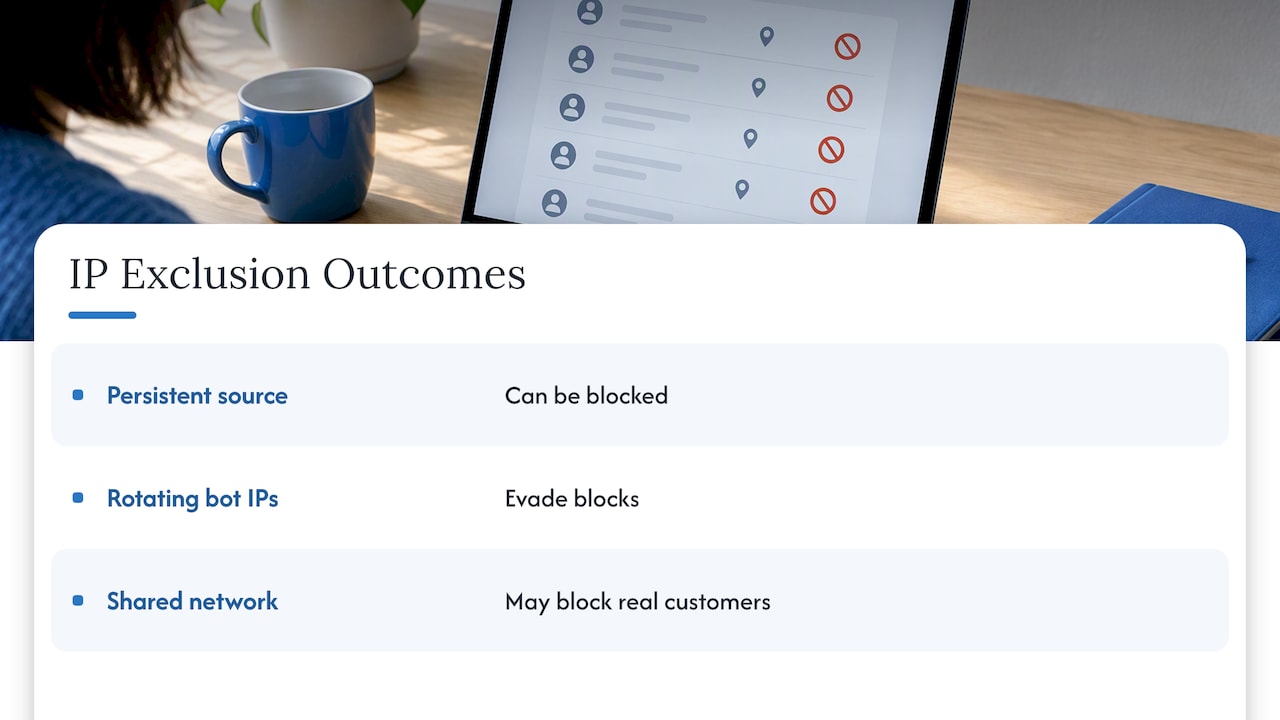
Google Ads lets you exclude IP addresses, up to a limited number per campaign. That works for a persistent single source. It does not work against bots that rotate addresses, and you can block real customers by accident if the IP belongs to a shared network. Use it sparingly.
Consider dedicated protection only when the numbers justify it
Some businesses add third-party click monitoring software. It can help when your spend is high and your pattern is clear, but it is another monthly cost, and as noted above these vendors count invalid traffic differently from Google. For a budget of a few hundred dollars a month, good targeting and weekly search term reviews usually return more than a new subscription. If you are weighing it, ask whether the tool’s fee is smaller than the fraud you can actually document.
Our perspective
We have managed paid search for small and mid-sized businesses from our Scottsdale office, and web and search work since 1997. Here is what we have learned about click fraud.
First, most owners who come to us worried about fraud have a targeting or landing page problem. That is good news, because those are things you control. A tightened location setting, a cleaner negative keyword list and a page that matches the ad message do more for wasted spend than any claim form.
Second, do not let the fear of fraud push you off Google Ads altogether. Google’s filters are real, credits are real, and the cost of a handful of junk clicks is usually smaller than the cost of not being visible when a local customer searches. The goal is to know your numbers well enough to spot an anomaly in days, not quarters.
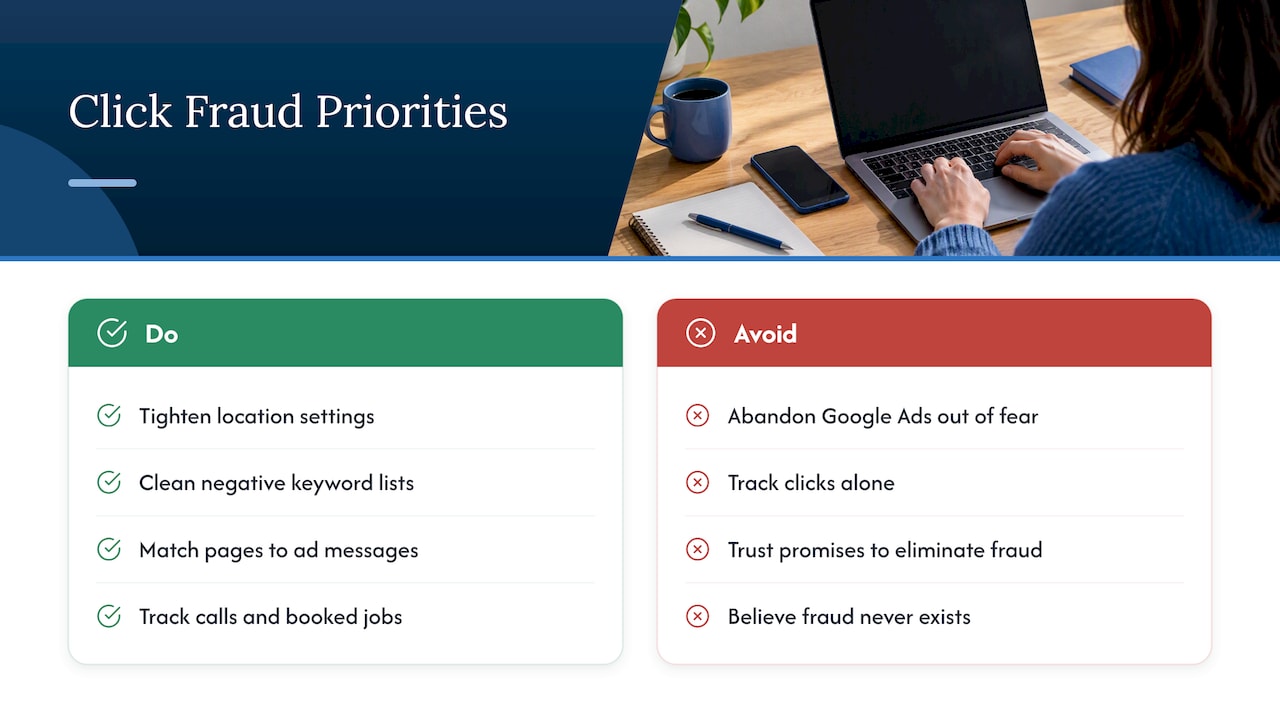
Third, tie ads to real outcomes. If you are tracking calls and booked jobs, fraud has nowhere to hide, and neither does a weak keyword. If you are only tracking clicks, you are guessing.
Finally, be skeptical of anyone who promises to eliminate fraud, and of anyone who tells you that none of it exists. The honest answer sits in between, and your own data shows where.
— Brett
Where we can help
If you suspect your ad budget is leaking and you want a second pair of eyes, our team can review your account structure, search terms, location settings and tracking, then manage your campaigns with the reporting to back it up. You can see how we work on our small business PPC page, or start with our homepage to reach us about your account. If you want to budget first, our guide to PPC management pricing lays out what to expect.
FAQ
Does Google refund money for click fraud?
Not as cash to your card, in most cases. Google credits invalid activity to your account, and those credits reduce future ad charges. Some are applied automatically, and you can request a review of others through Google Ads support.
How can I tell if competitors are clicking my ads?
Look for repeated visits from the same IP range, short sessions on one keyword and spikes with no matching calls or leads. Be careful: those signs also fit poor targeting. Proof is hard to get, so document patterns over a few weeks before you act.
Will blocking IP addresses stop click fraud?
It can stop a single persistent source. It is weak against bots that change addresses, and you risk blocking real people on shared networks. Use IP exclusions as one tool among location settings, negative keywords and placement exclusions.
Is the Invalid clicks column the total amount of fraud in my account?
No. It shows clicks Google has already identified and filtered. It tells you the automated protections are working, but it cannot show what was missed.
Should a small business pay for click fraud software?
Only if your spend is high enough and your data shows a clear problem. For small budgets, regular search term reviews, tight location targeting and call tracking usually deliver more value first.
Sources
- About invalid traffic, Google Ads Help
- Invalid clicks: Definition, Google Ads Help
- Understanding credits and adjustments to your account, Google Ads Help
- Description of Methodology, Google Ads Help
- About the Invalid Activity Credit Report, Google Ads Help
- How To Detect Fraud In Search Campaigns, OpenPublicHub
- US Ad Fraud Savings Report, Trustworthy Accountability Group
- Google owes you money: the exact form, Medium